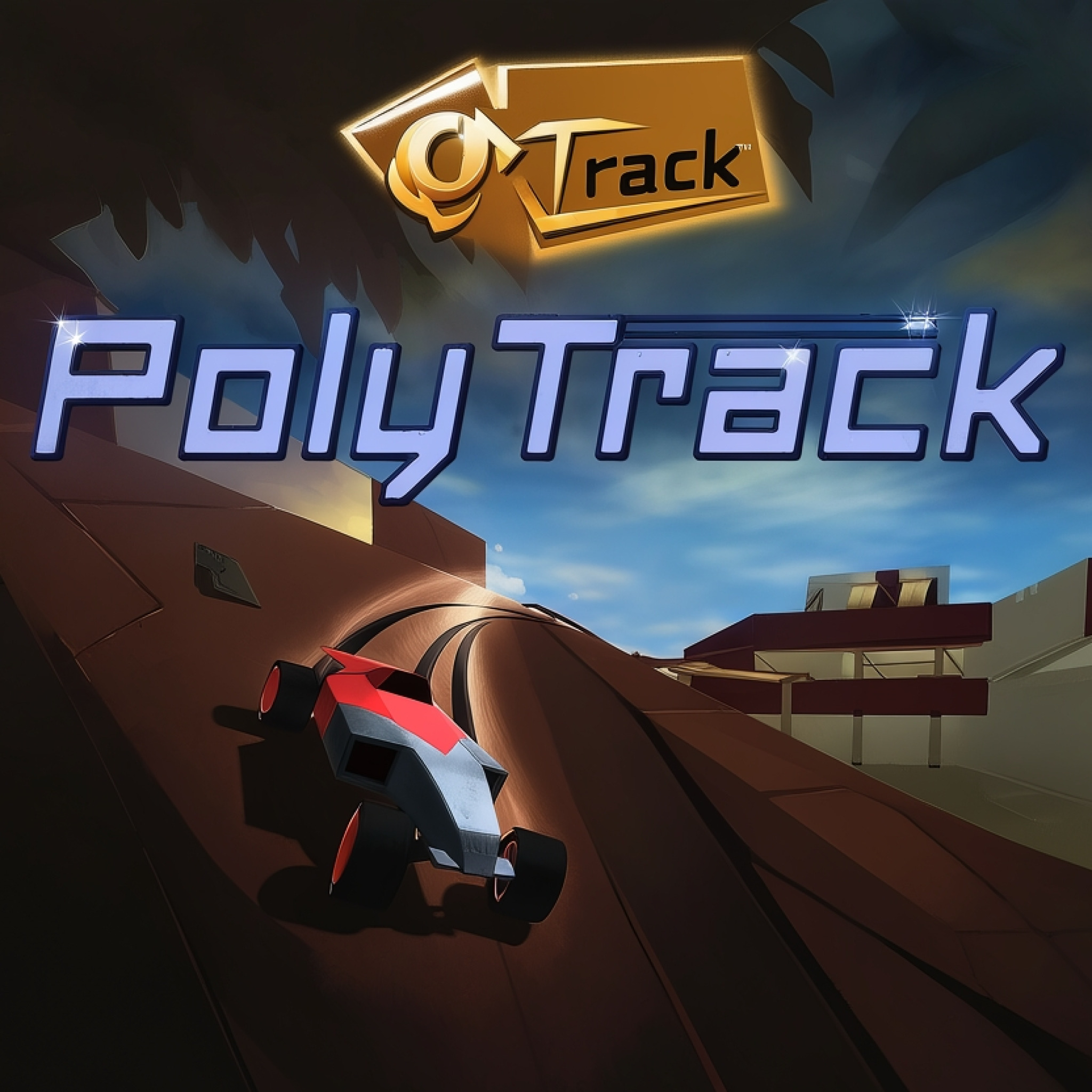
PolyTrack
PolyTrack
About this game — overview & description
PolyTrack is a groundbreaking classic car racing game that introduces a significant twist: you don’t just race, you also design and customize every aspect of your experience. This fast-paced, low-poly driving game features thrilling loops, gravity-defying jumps, and high-speed action where precision timing is paramount. Available for free on deployment-game.com, PolyTrack challenges players to constantly improve their times on an endless array of tracks, whether pre-built or entirely user-generated.
What is PolyTrack? – Complete Game Overview
PolyTrack is an innovative racing title that combines the thrill of high-speed driving with unparalleled creative freedom. Players get to race a car they’ve meticulously customized, on a track they might have designed themselves, fostering a deeply personal connection to every race. This unique blend of competitive gameplay and robust creation tools sets the PolyTrack game apart from conventional racing experiences, offering endless replayability and a strong community focus.
Inspired by the iconic TrackMania series, PolyTrack challenges you to race against the clock, constantly striving to shave milliseconds off your best lap times. The game thrives on a dynamic community where players share their imaginative track designs, transforming each session into a fresh and exciting challenge. Mastering both the driving physics and the art of track construction is key to success in this engaging title, available to play PolyTrack instantly.
At its core, PolyTrack delivers a compelling gameplay loop: design, race, refine. You begin by crafting intricate courses, then test your skills on them, optimizing every turn and jump to achieve the fastest possible time. The joy comes not only from executing a perfect lap but also from discovering unexpected shortcuts through clever use of physics, often leading to hilarious and satisfying breakthroughs against your own carefully engineered challenges.
The immediate restart feature is a brilliant touch, ensuring that frustration is minimized and the flow of improving your time remains uninterrupted. This means you can experiment with different lines, master difficult sections, and instantly try again without lengthy load screens. It makes the pursuit of perfection in PolyTrack feel genuinely rewarding and accessible, inviting players of all skill levels to join the fun.
How to Play PolyTrack – Step-by-Step Guide
Getting Started with PolyTrack
To begin your PolyTrack journey, you have two primary options. You can immediately jump into one of the many existing racecourses, which is an excellent way to get a feel for the game’s physics and driving mechanics. Alternatively, you can dive straight into the game’s intuitive track design tools to start building your own unique circuits. Choosing from premade tracks offers a solid foundation for learning the ropes and understanding effective track layouts before creating your own.
As you progress, the real depth of PolyTrack emerges when you start experimenting with the built-in level editor. Here, you can unleash your creativity, designing custom tracks from scratch. The robust tools allow you to craft everything from simple oval circuits to elaborate courses featuring massive jumps, thrilling loops, and unexpected twists. Don’t feel overwhelmed if you’re new to track building; the vibrant PolyTrack community offers extensive forums and resources sharing design codes and customization tips to guide you.
Basic Controls and Gameplay
Driving your custom vehicle in PolyTrack is straightforward, ensuring you can focus on the thrill of the race. Use the WASD or arrow keys to control your car’s acceleration, braking, and steering. The game prioritizes pure driving skill and track knowledge, so mastering these fundamental controls is essential for optimal performance. Should you make a mistake or want to retry a section, the Enter or R key provides an instant restart, getting you back into the action without delay.
When in the track editor, a different set of controls allows for precise and creative building. Use left-click to place track elements, while holding right-click and moving the mouse enables you to pan the camera view. Middle mouse-click combined with movement rotates your perspective, giving you full control over your track’s layout. Scrolling the mouse wheel zooms in and out, providing both detailed and broad views of your evolving course in the PolyTrack online editor.
Additional editor controls further enhance your building experience. Use Shift + mouse-scroll or the Z and C keys to adjust the height of track segments, allowing for dramatic elevation changes and intricate multi-level designs. The Q and E keys rotate the camera view left and right, ensuring you can inspect your creation from all angles. Press R or Space to rotate individual items before placement, and X to delete unwanted elements. Finally, the T key lets you instantly test drive your creation, allowing for rapid iteration and refinement of your PolyTrack masterpiece.
Advanced PolyTrack Techniques
Once you’ve mastered the basics, PolyTrack offers a deep well of advanced techniques for both racing and track building. On the driving side, look beyond simple speed; precision braking, controlled airtime over jumps, and leveraging banking turns are crucial for optimizing your lap times. Understanding the subtle physics of the game can lead to discovering unintended yet legitimate shortcuts, adding another layer of competitive strategy.
For aspiring track builders, the true challenge lies in crafting courses that are not only fun but also reward skilled driving and strategic thinking. Experiment with complex curves, interconnected loops, and sequences of jumps that demand specific timing. The game will require time and patience, as you don’t just go into it like other driving games, with your foot on the pedal and ready to rev and drift. Initially, the easiest tracks to build are straight lines, but as soon as you get the hang of it, you will have a track jumping over mountains, sending your car and score soaring within PolyTrack.
Beyond track design, PolyTrack also allows for extensive vehicle customization, enabling you to personalize your ride down to intricate details. Select primary and secondary colors to create a unique color scheme, adjust the car frame and rim colors, and choose from various rim styles, paint patterns, and exhaust pipes. While purely aesthetic, a distinct car adds to the personal touch of your racing experience, making every victory feel even more uniquely yours in this creative driving game.
PolyTrack Game Features and Highlights
PolyTrack distinguishes itself with a robust set of features that empower players to both create and compete in a dynamic racing environment. From comprehensive customization options to engaging community interactions, the game is designed for endless enjoyment. These highlights ensure that every session offers something new, whether you’re building a masterpiece or chasing a new personal best on an existing course, further enhancing the appeal of the PolyTrack online experience.
- Track Customization and Editor: Unleash your inner architect with an intuitive, built-in level editor. Design intricate circuits with jumps, loops, and obstacles, then export and share your creations with the global PolyTrack community for infinite racing possibilities.
- Vehicle Personalization: Make your ride truly your own. Choose primary and secondary colors, modify frame and rim colors, and select from diverse rim designs, paint patterns, and exhaust pipes to create a visually distinct racing machine.
- Ghost Racing & Leaderboards: Challenge yourself and others asynchronously. Race against “ghosts” of top players or your own best times, seeing their lines directly on the track. Global leaderboards track verified lap times, fueling competitive spirit in PolyTrack.
- Diverse Track Environments: Explore a rich variety of official tracks spread across different seasons and terrains, including 7 summer, 5 winter, and 5 desert courses. An ever-expanding collection of community tracks ensures fresh challenges are always available in the PolyTrack game.
- Instant Restart Mechanism: Eliminate downtime and frustration. With the press of a button, instantly restart your run after a crash or a bad segment, allowing for seamless practice and rapid iteration on your driving lines and techniques, a key feature of PolyTrack.
The ability to export and share custom tracks is a cornerstone of the PolyTrack experience, fostering a vibrant and collaborative community. This means you’re never short on new content, as players constantly upload innovative, challenging, and often hilarious courses. Engaging with the community also provides valuable opportunities to learn new building techniques and discover optimization secrets for your own designs, making the game infinitely scalable and fresh.
One cool feature that truly differentiates PolyTrack from other driving games is the opportunity to challenge opponents asynchronously. By selecting players from the leaderboard, their “ghost” car appears on the track as you race, providing a tangible benchmark for your performance. You can also challenge yourself by shaving off decimals from your best time, having your own car “ghosted” on the track to race against your past self, pushing your limits in every session.
Beyond performance, the extensive vehicle customization options allow for a deeply personal touch. From choosing specific primary and secondary colors to fine-tuning the look of your rims and exhaust pipes, every detail contributes to your unique racing identity. This personalization adds another layer of engagement, making your journey through the diverse tracks and competitive leaderboards of the PolyTrack game even more enjoyable and visually appealing.
Why Players Keep Coming Back to PolyTrack
PolyTrack captivates players with its unique blend of creativity and competition, offering a satisfaction loop that keeps them engaged for countless hours. The sheer joy of designing a challenging track, only to then master it with a perfectly executed lap, is incredibly rewarding. This dual focus appeals to both the imaginative builder and the competitive racer, providing a fulfilling experience whether you prefer to construct or conquer. The freedom to create your own challenges is a powerful draw for players returning to PolyTrack.
The game’s replay value is virtually limitless, fueled by an ever-expanding library of community-generated content and the continuous pursuit of faster lap times. There’s always a new track to conquer, a new design idea to implement, or a personal best to beat. This constant evolution, combined with the accessible controls and instant restart, ensures that PolyTrack remains fresh and exciting, providing a steady stream of challenges for players of all skill levels, from casual experimenters to dedicated speedrunners.
Its appeal also lies in its accessibility and continuous challenge. The game was loved by families during its review, even the youngest members, highlighting its broad appeal. Whether you’re a casual player looking to unwind with some creative track building or a competitive racer aiming for leaderboard dominance, PolyTrack offers something for everyone. This versatile appeal, coupled with the constant opportunity for improvement and discovery, solidifies its position as a go-to browser game for lasting entertainment.
Pro Tips and Strategies for PolyTrack
Beginner Tips
For newcomers to PolyTrack, starting with the pre-made tracks is highly recommended. These courses are designed to introduce the game’s core mechanics and physics in a controlled environment, helping you get a feel for your car’s handling and momentum. Focus on smooth driving lines rather than raw speed initially. Learn how to navigate turns efficiently and manage your speed before attempting complex jumps or shortcuts. The instant restart feature is your best friend; use it frequently to practice tricky sections until they become second nature.
When you venture into the track editor, begin with simple designs. Straight lines, gentle curves, and small jumps are excellent starting points to understand how the tools work and how different elements affect car behavior. Don’t be afraid to experiment! The beauty of PolyTrack lies in iteration; build a section, test it, and refine it. Gradually introduce more complex elements as you gain confidence, always keeping the flow and driveability of your course in mind to create an enjoyable experience for the PolyTrack online community.
Intermediate Strategies
As an intermediate player, start thinking about track design not just as placing elements, but as guiding the player through a specific experience. Focus on creating a good flow, where turns lead smoothly into jumps, and speeds are maintained. Experiment with banking turns and elevation changes to maximize speed through corners. Leveraging the game’s physics is key; strategically placed bumps or ramps can become launchpads for shortcuts, or create opportunities for airtime that allow you to bypass slower sections
Controls & how to play (HTML5)
Use mouse, keyboard, or touch—this deployment-game.com title shows its own on-screen prompts and hints.




Loading comments from deployment-game.com…